Import
Choose a reference from Photos and crop it inside the app.
Import a reference, position it precisely, build an accurate grid, and export clean artwork—all in a focused workspace for artists.
 For iPhone and iPad · Requires iOS 17 or later
A clear workflow
Choose a reference from Photos and crop it inside the app.
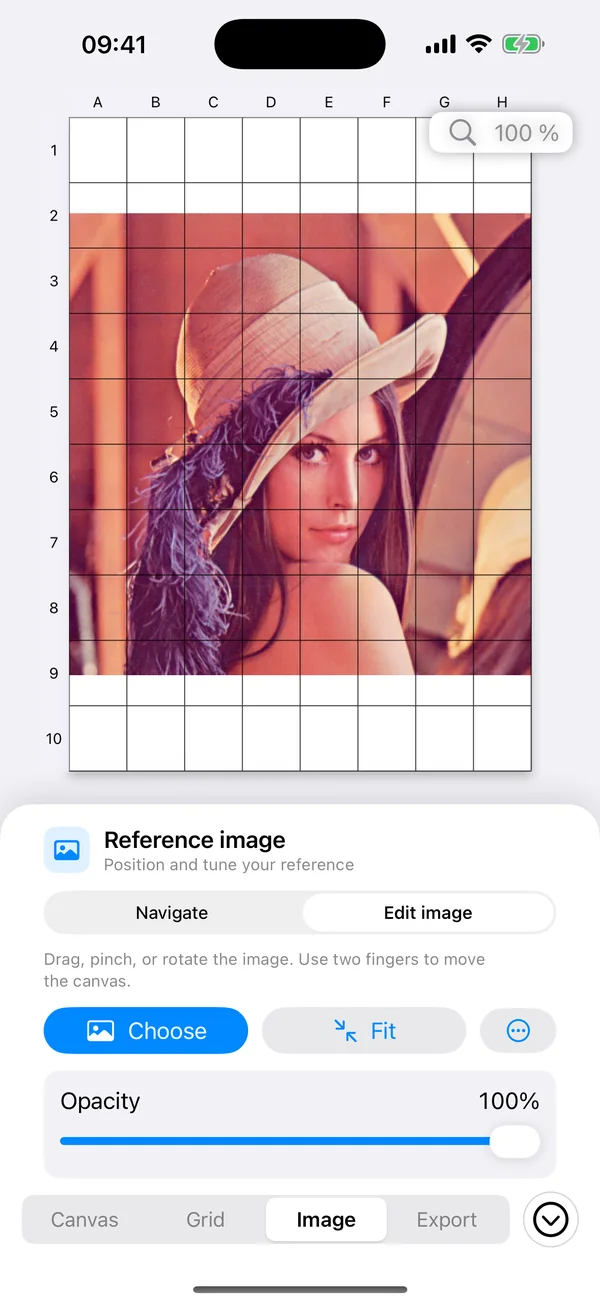
Center, fit, fill, move, scale, rotate, or adjust opacity.
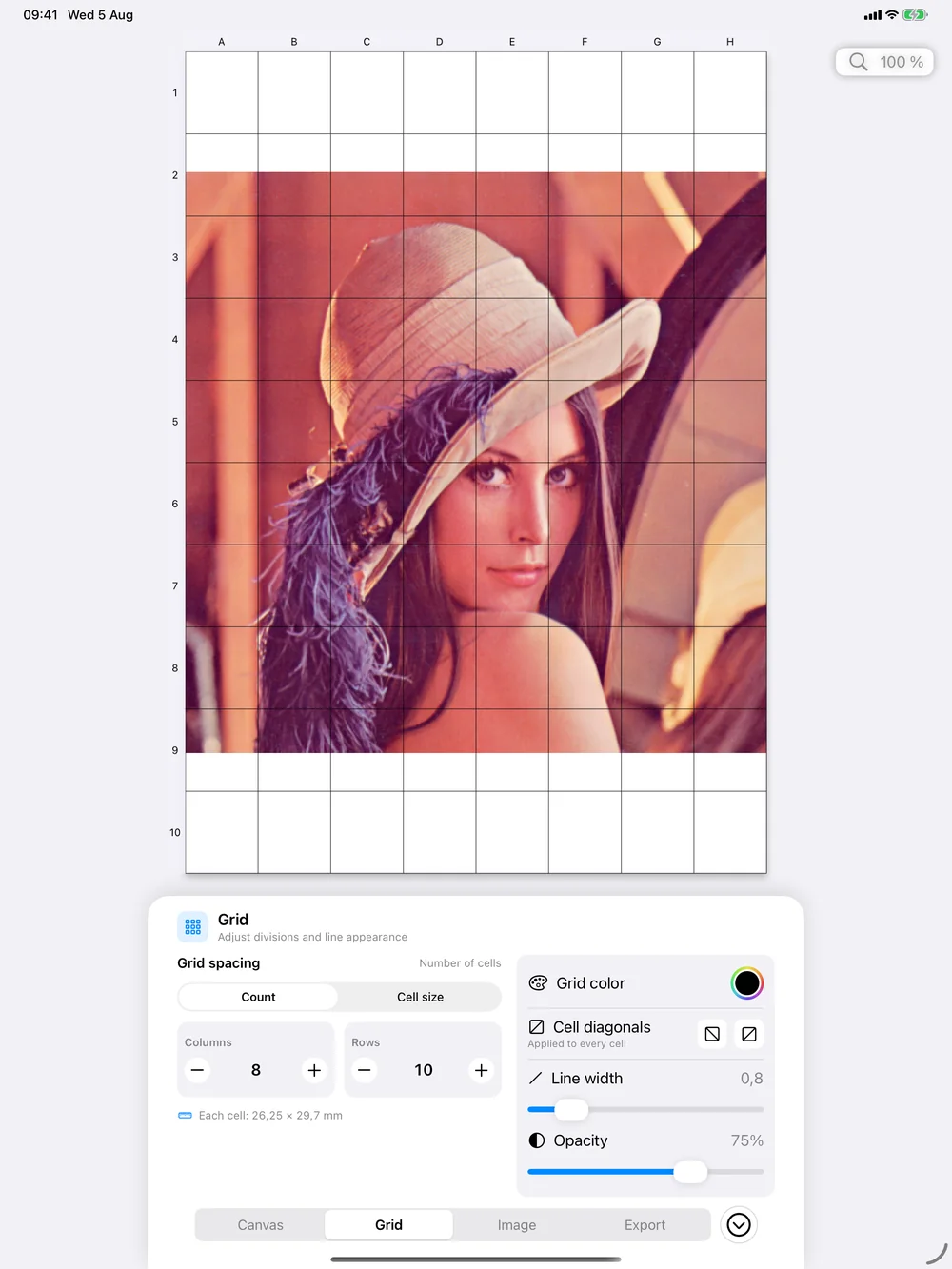
Set physical canvas dimensions, then define the grid by count or cell size.
Share the combined artwork, image only, or grid only as a clean PNG.
The workspace
The canvas stays central while each focused inspector exposes only the controls needed for the current task.
Canvas
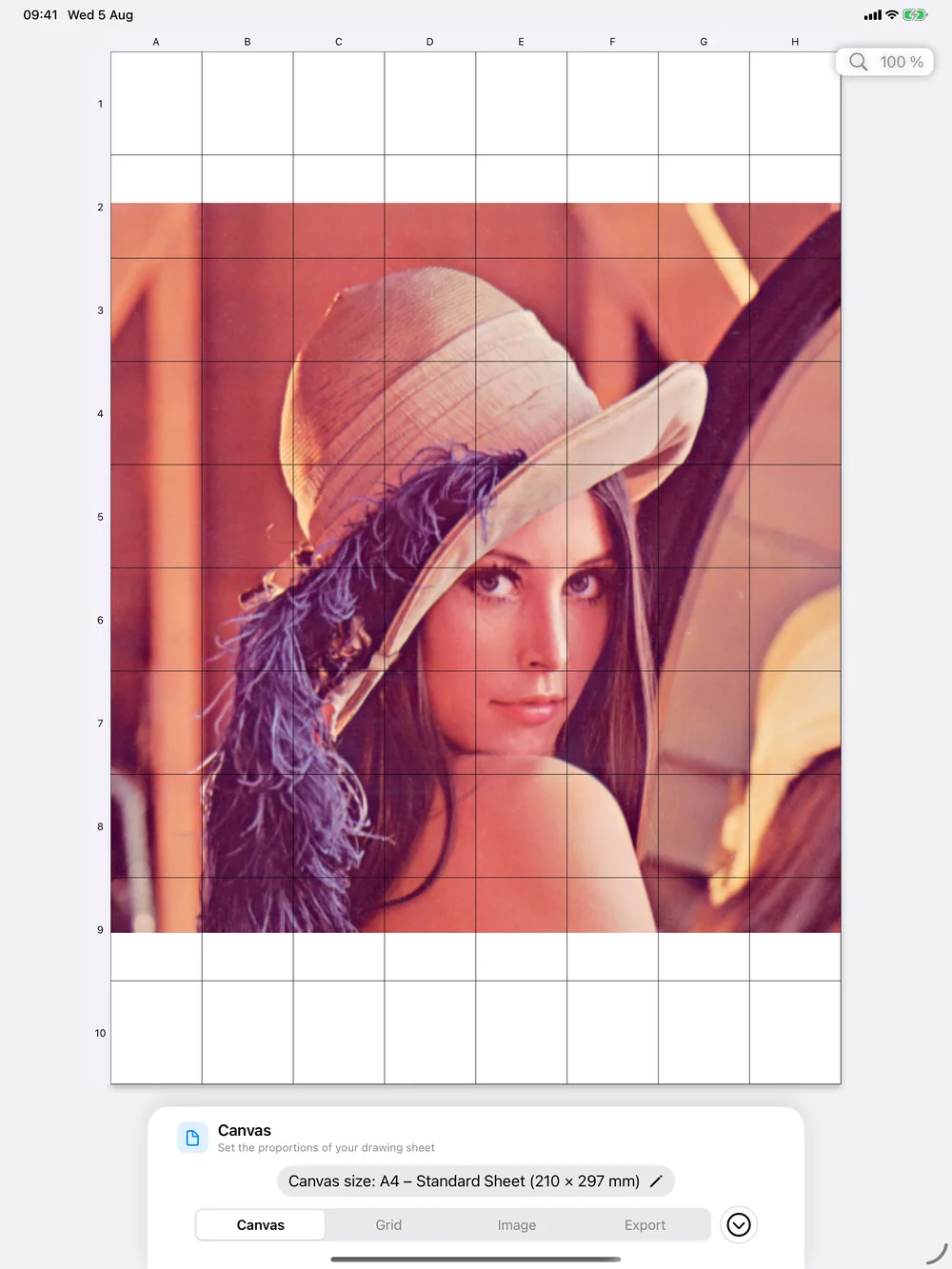
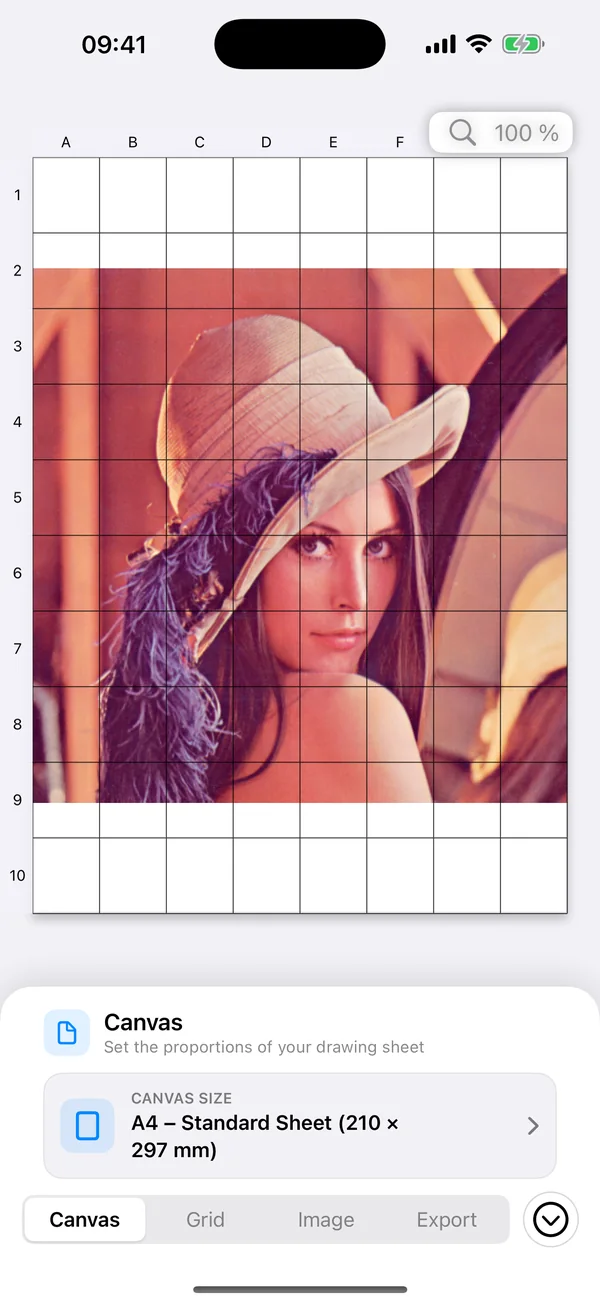
Choose an artist-paper preset or enter an exact physical size before building the grid.
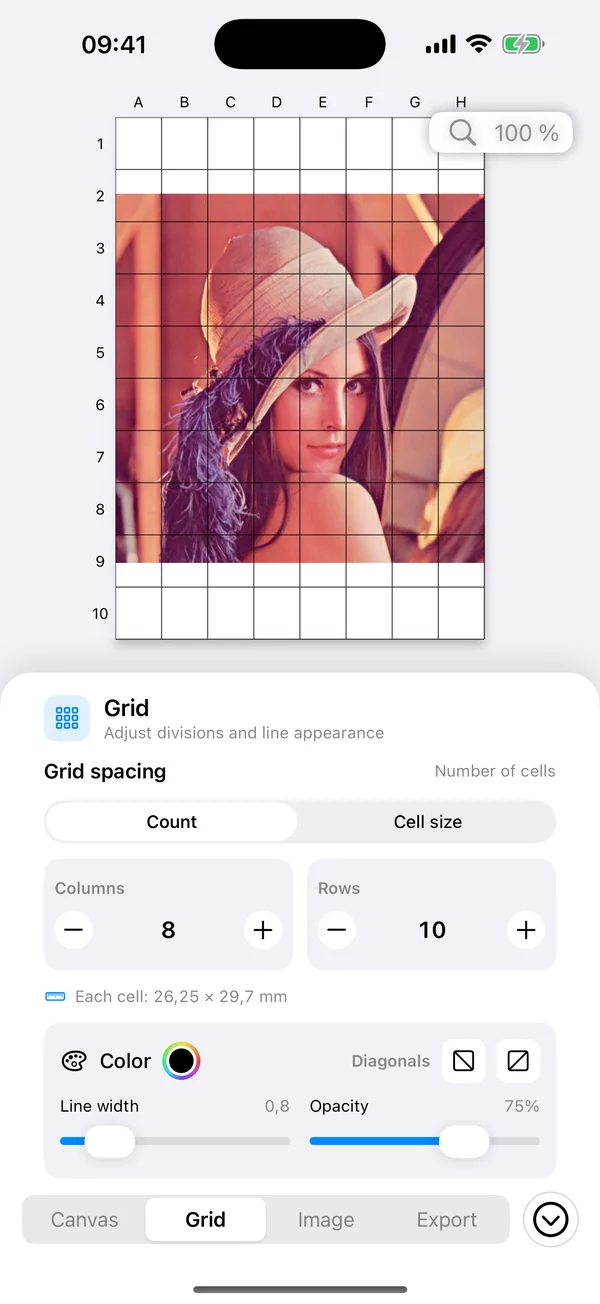
Grid
Work by row and column count or specify the physical width and height of every cell.
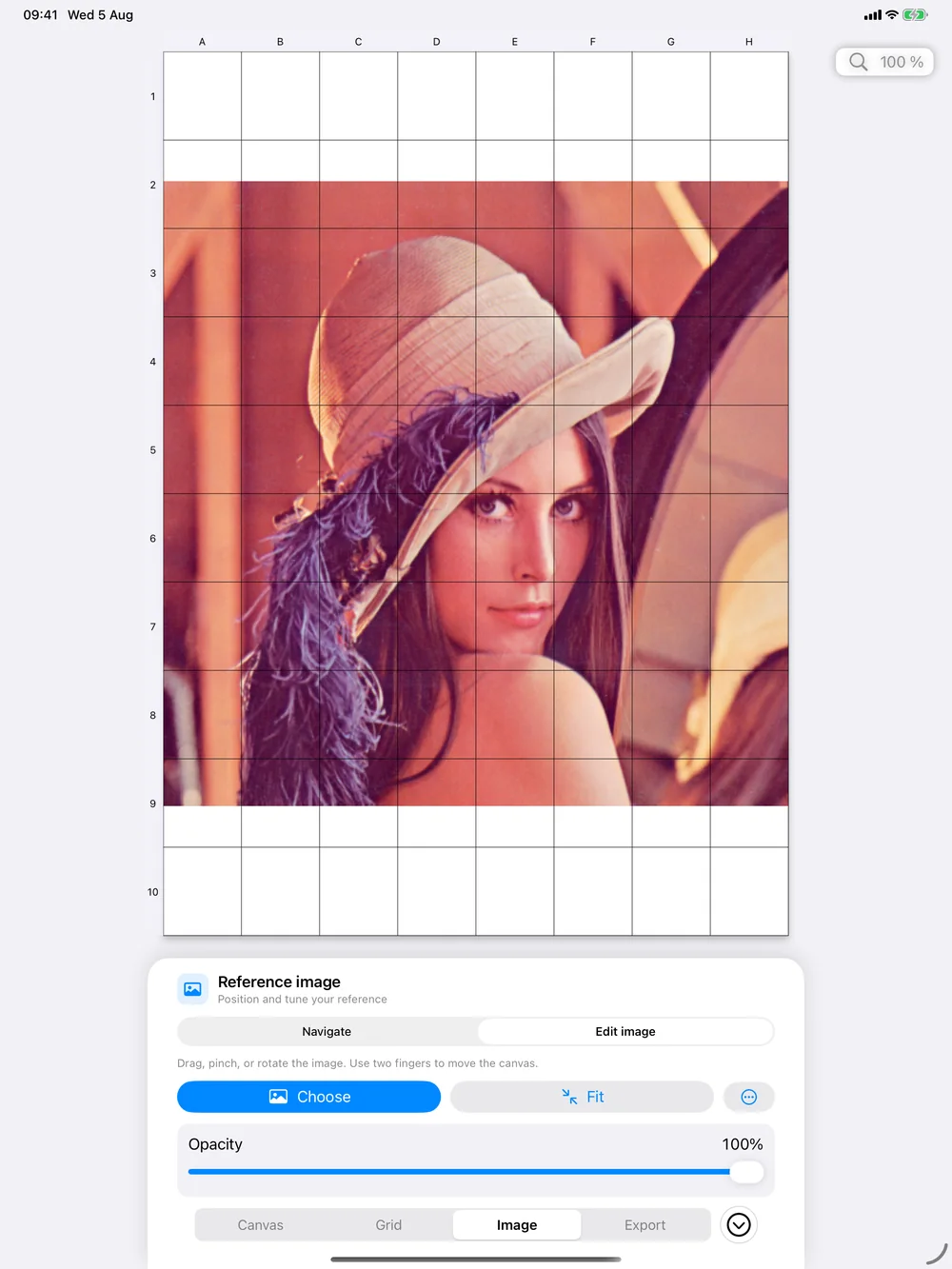
Image
Image Editing and Canvas Navigation are separate, so every gesture has a predictable result.
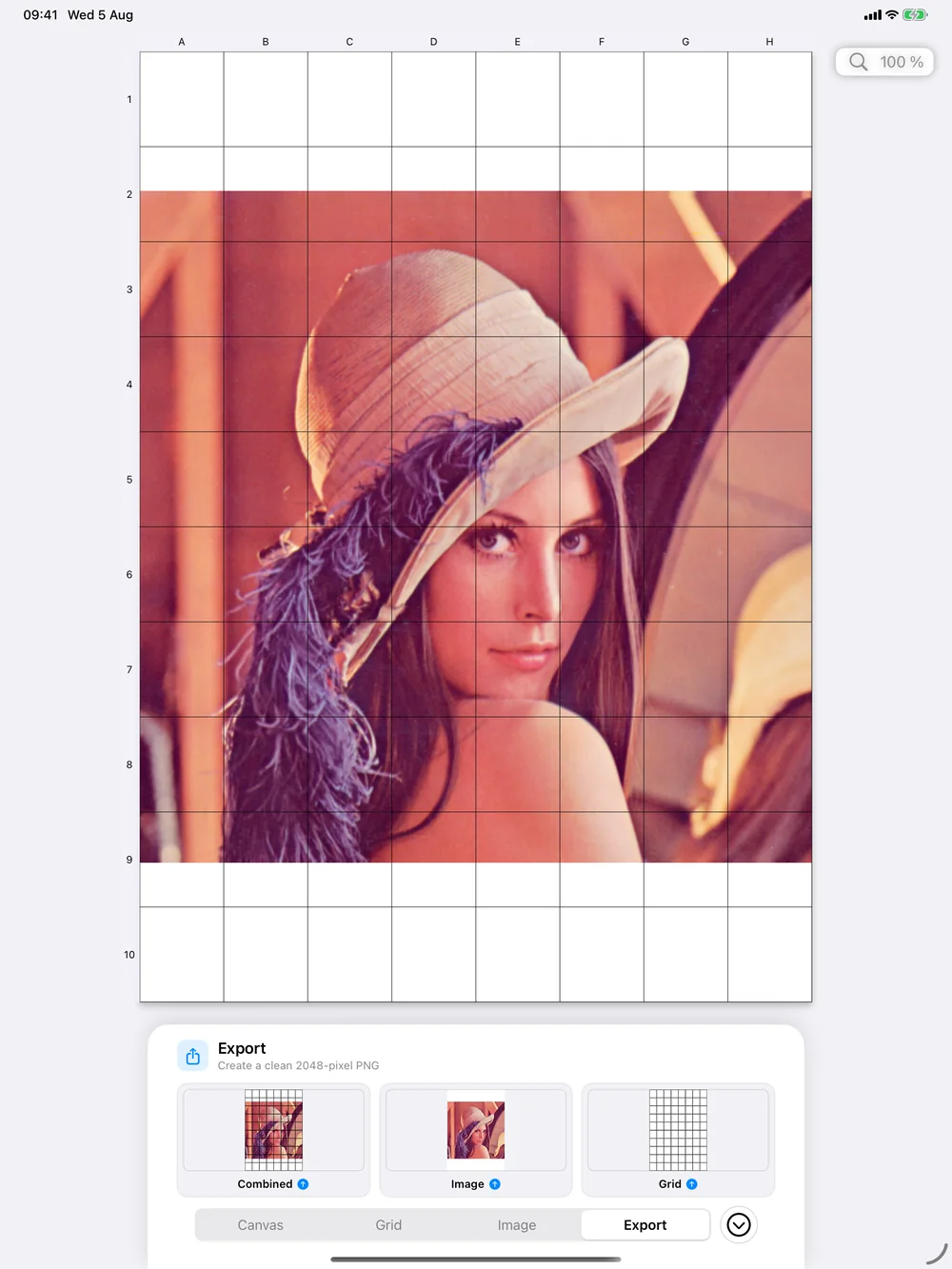
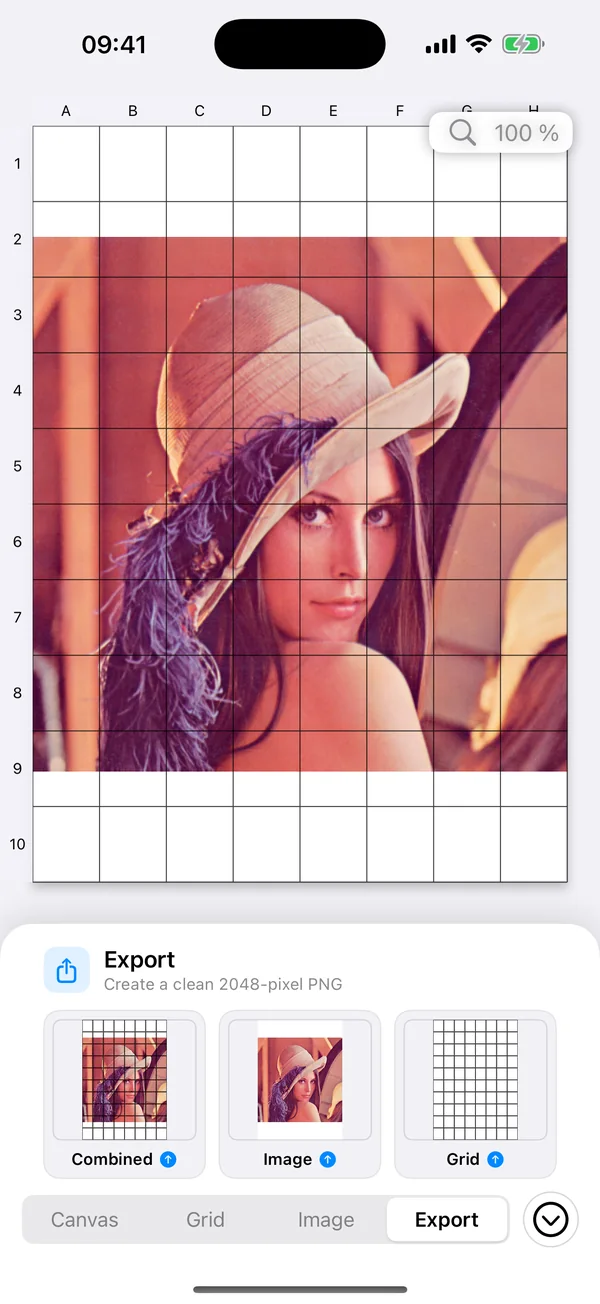
Export
Export independently from the editor UI, with no menus, zoom controls, labels, or selection borders in the artwork.
Dependable by design
Canvas, grid, reference image, transformations, opacity, interaction mode, and zoom return after relaunch.
Grid counts and physical cell sizes use the same geometry model on screen and in exports.
Responsive inspectors support portrait, landscape, Split View, and resizable windows.
Designed for VoiceOver, Dynamic Type, dark mode, contrast, transparency, and motion preferences.
FAQ
No. Your workspace stays in the app’s private on-device container and exports only when you choose to share.
They are navigation aids. Exports intentionally contain the selected artwork and grid layers without editor chrome.
Drawing Grid supports iPhone and iPad running iOS or iPadOS 17 and later.
Email info@mchrzastek.com for technical support.